The various source of lights like artificial light as well as natural light at different time of the day with under various condition. They colour vary from warm like red and yellow to cool like blue.
There are common lights like tungsten, fluorescent, neon, halogen, sunlight, cloudy and shade. Camera technology can tell both colour in film and digital sensor.
The white balance setting determines how accurately the colour of the photos are reproduces. There are three options can be use:
- Auto white balance (AWB)
- White balance presets
- Manual/ custom
In the certain lighting situation like shade or mixing lighting are preferable to use a white balance preset. This tell more about the white balance preset settings are:
- Auto– Camera automatic determines the white balance setting
- Tungsten– Photographing in homes lit like artificial light to add cooler tone and compensate for to many hues (orange/yellow)
- Fluorescent– Photographing in gymnasium, office, etc to compensate for fluorescent lighting. This will add warmer to compensate for green and blue tones
- Daylight– Direct sunlight is hitting subject to add warm tones
- Cloudy– Overcast days with portraits. Similar to daylight mode, but adds warmer hues that are often desirable in landscapes and portraits.
- Flash
- Shade– Subject is covered in shade. Adds more red/orange tones to compensate for blue tones that found in the shades.
- Custom/Manual– Using white or middle grey object to set white balance or hold a coffee filter over the lens while point the camera towards the light source to set the custom white balance.
Tips: Choose the white balance setting that describe the best lighting conditions while you are shooting in.
Full Sun

AWD 
Daylight
Shade
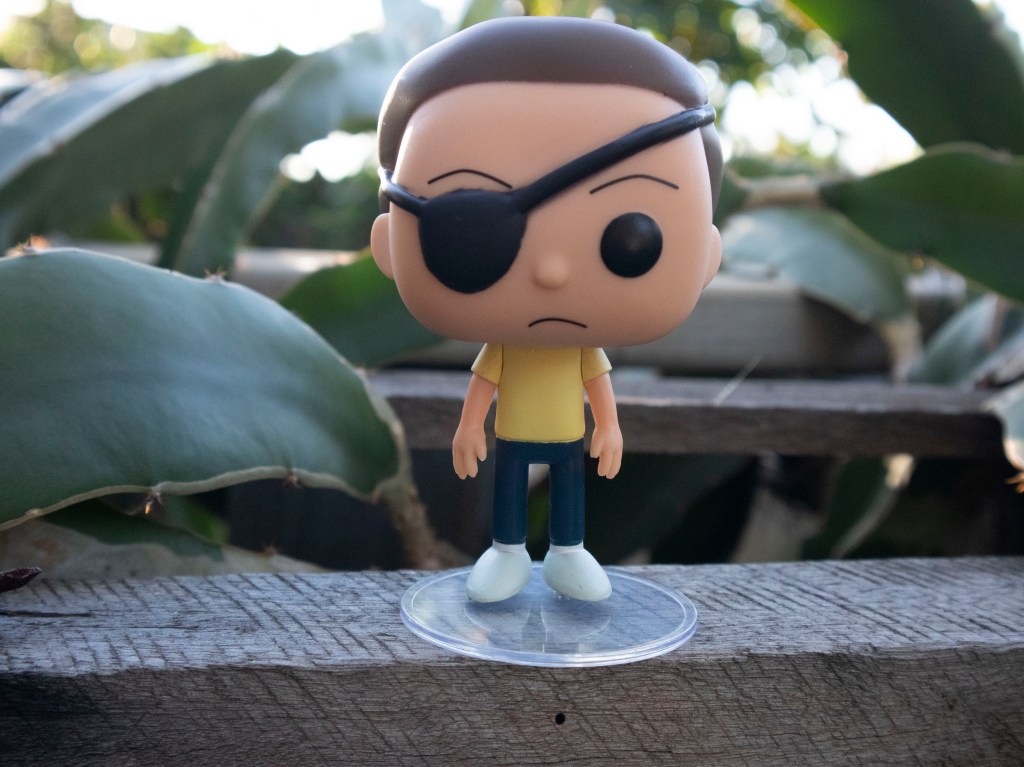
AWD 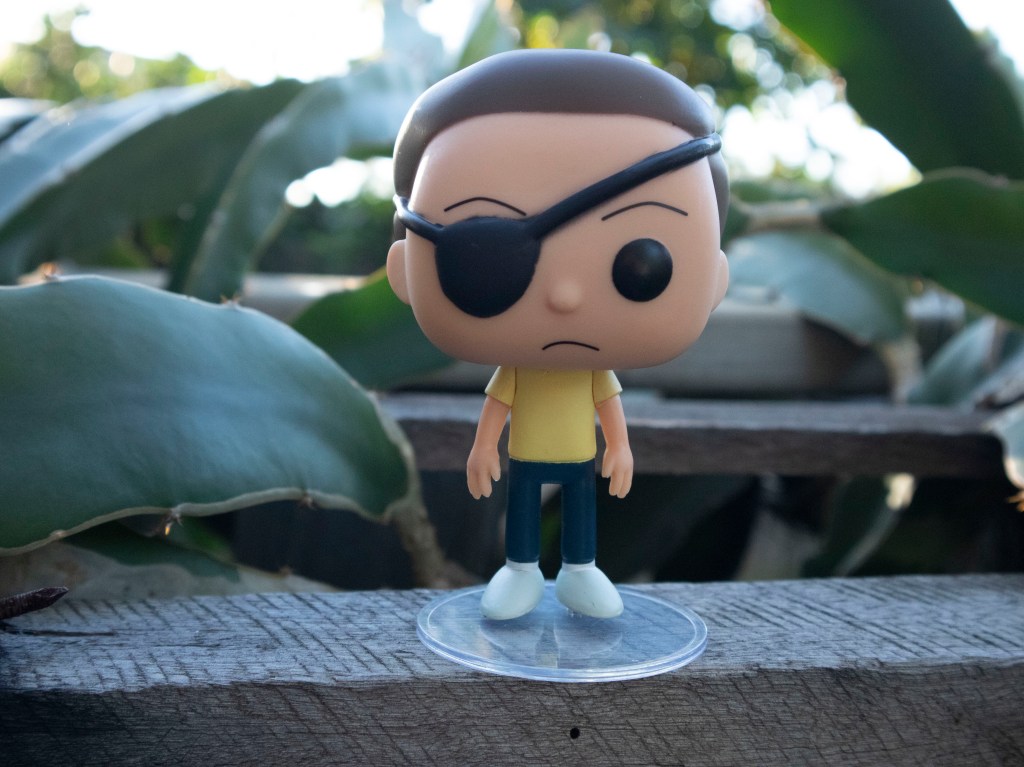
Shade 
Daylight
Cloudy

AWD 
Cloudy 
Daylight
Tungsten
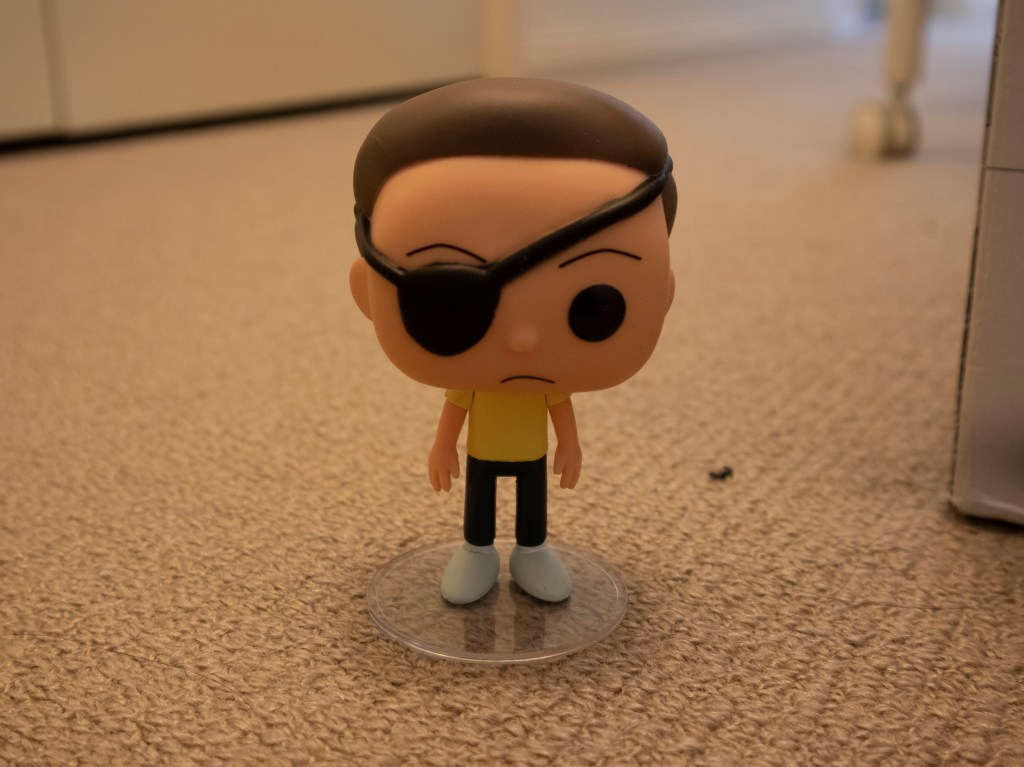
AWD 
Tungsten 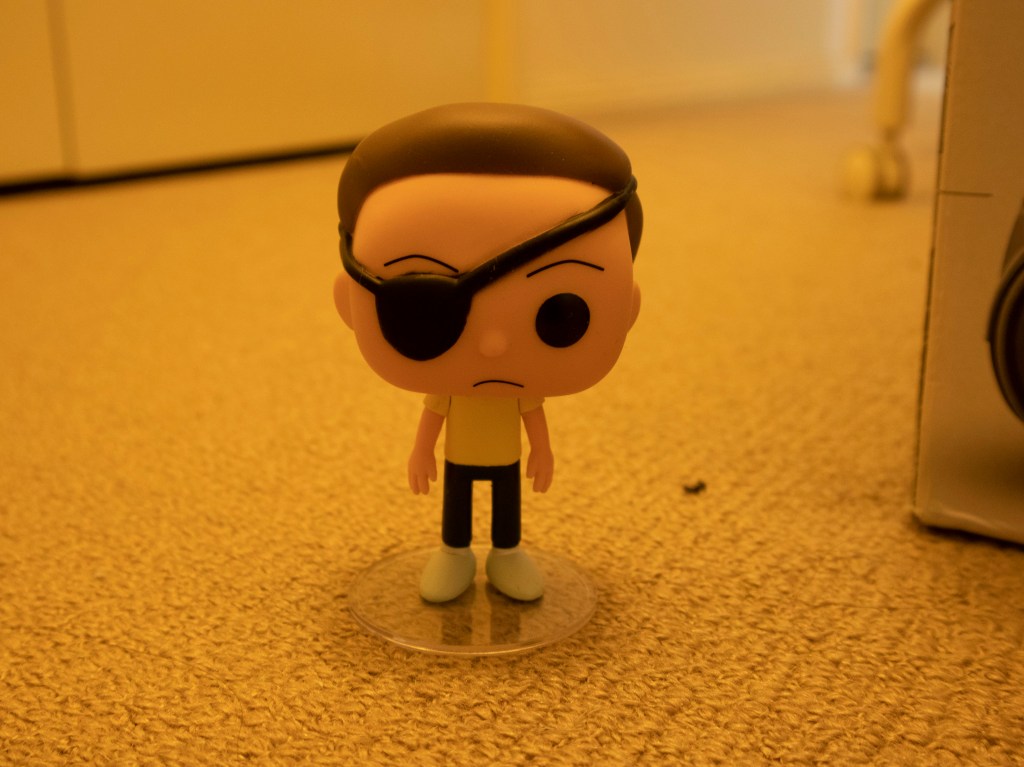
Daylight
Fluorescent
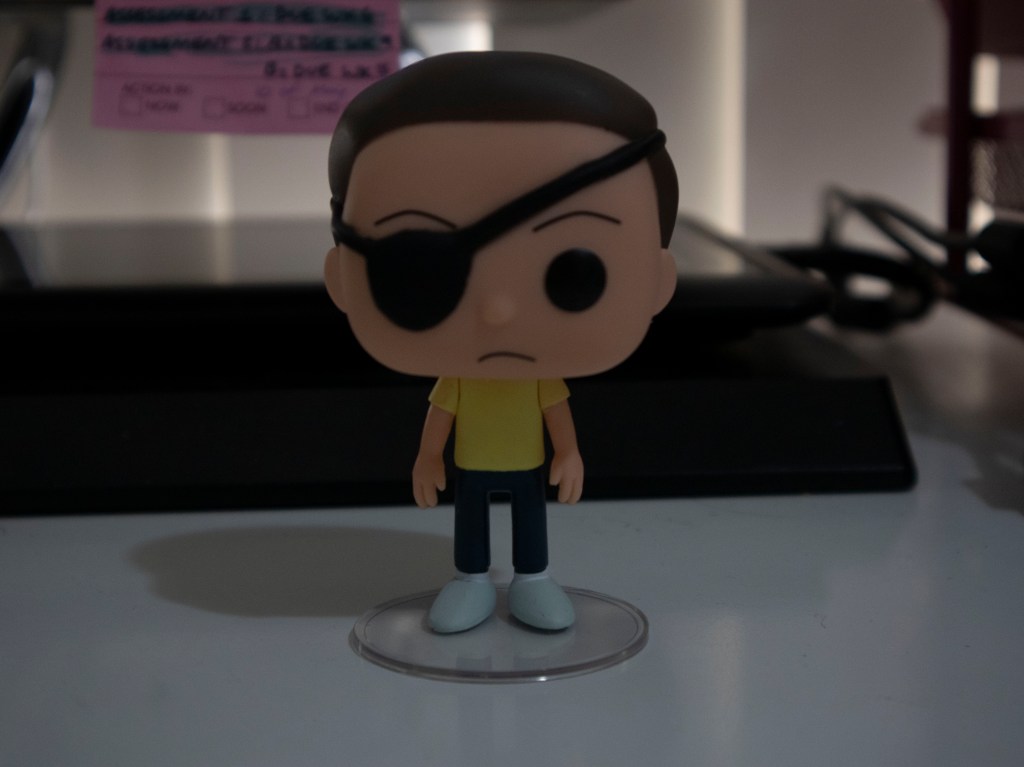
AWD 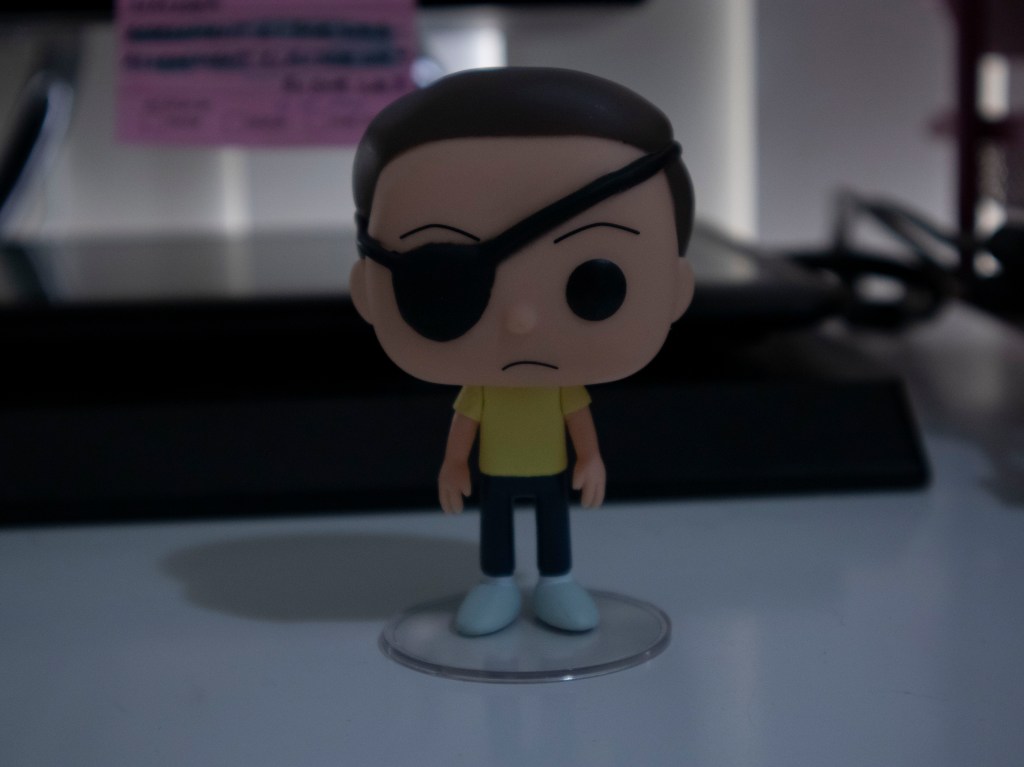
Fluorescent 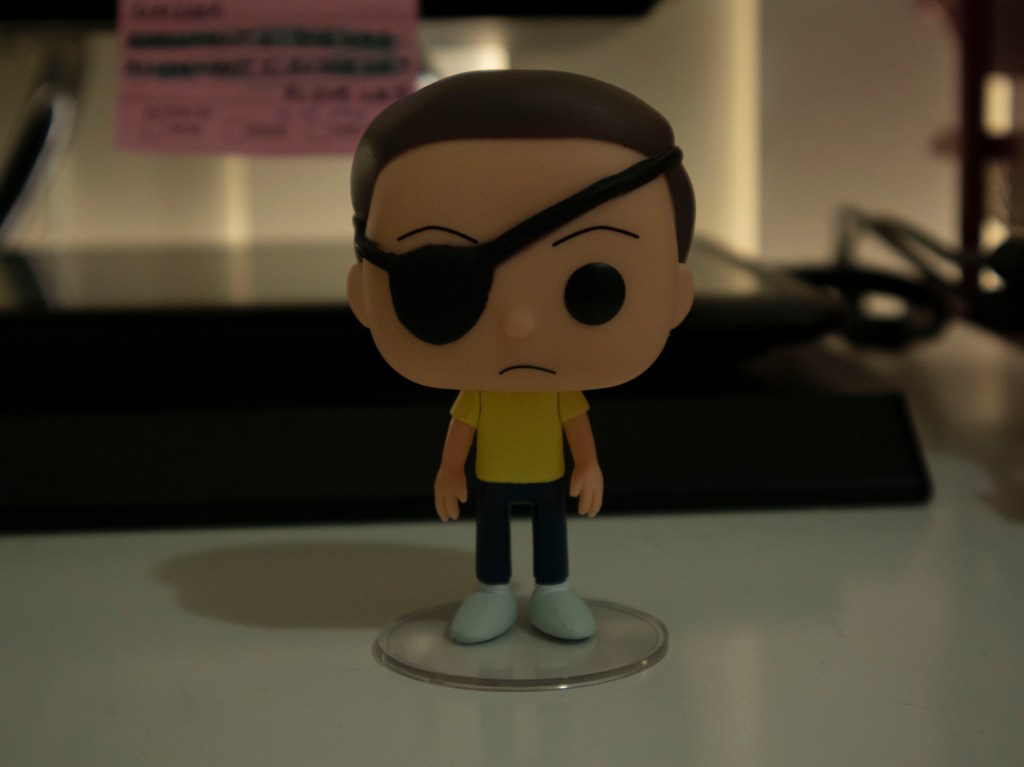
Daylight
LED
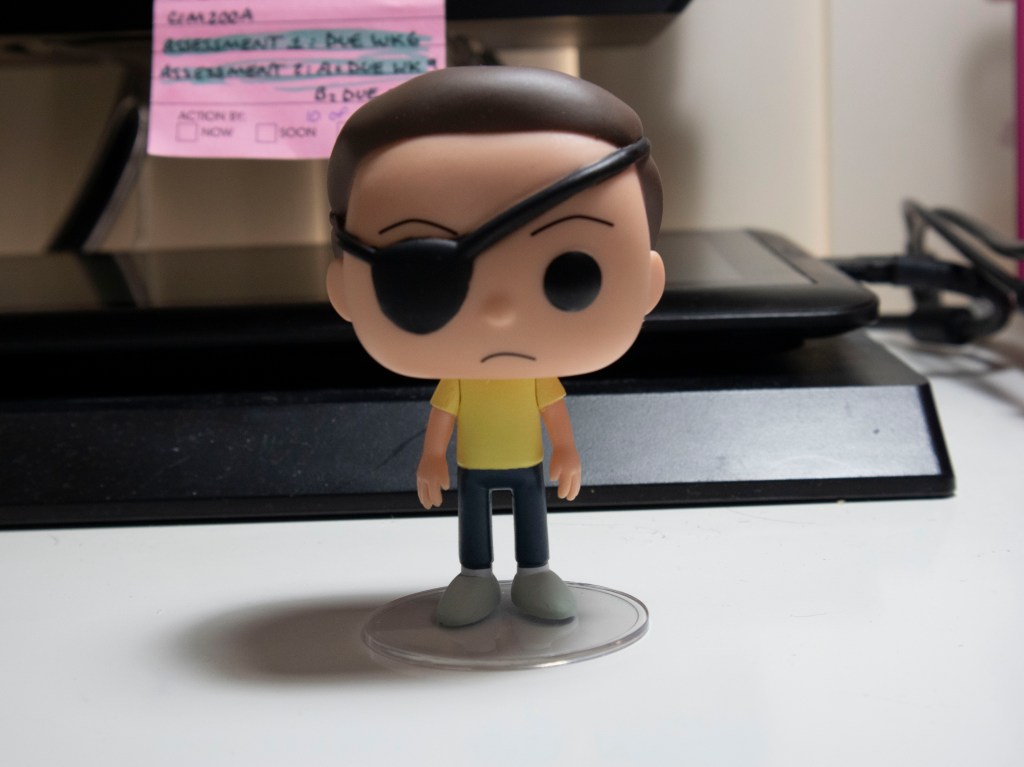
AWD 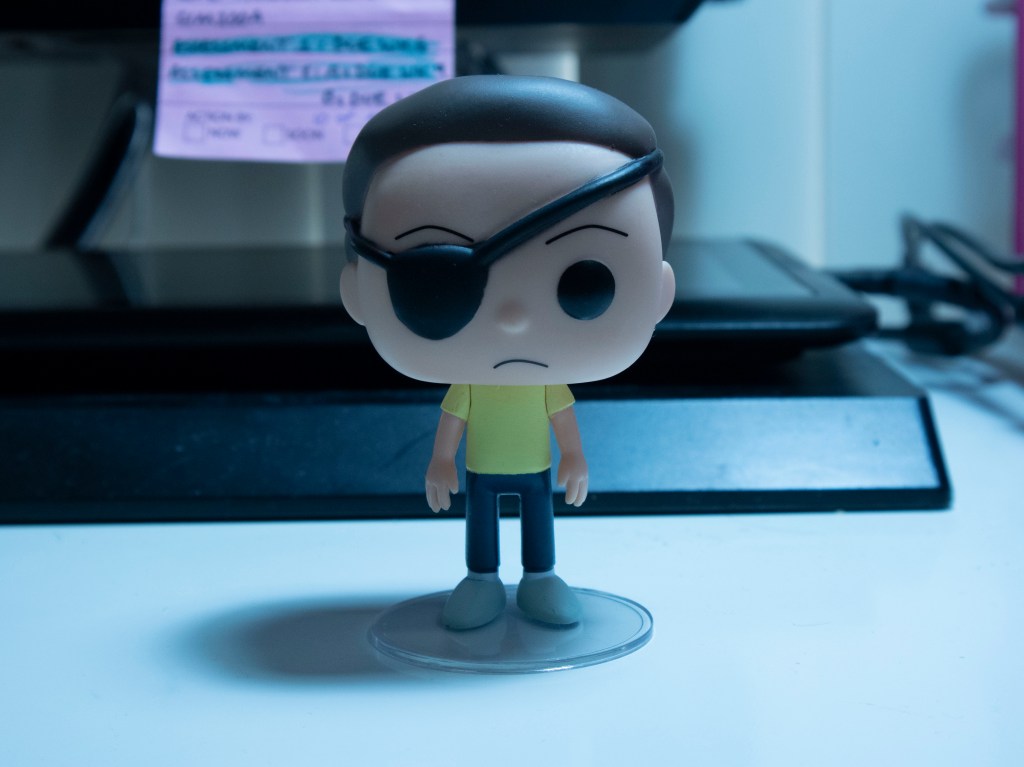
Tungsten 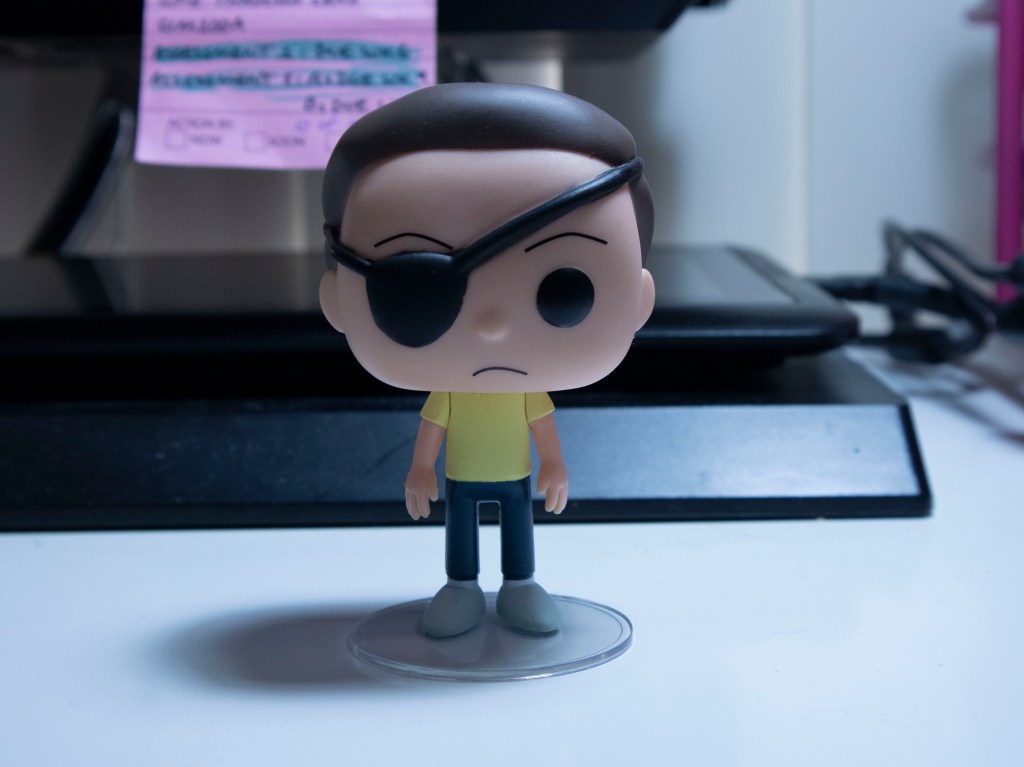
Fluorescent
The difference of all the photo is the colour change of the light

